

Mosaic is WebHub's new editor: click a text to rewrite it, drag a section to move it, change a photo in a second. You see the result straight away, on computer and phone.
Self-managed websites from € 290
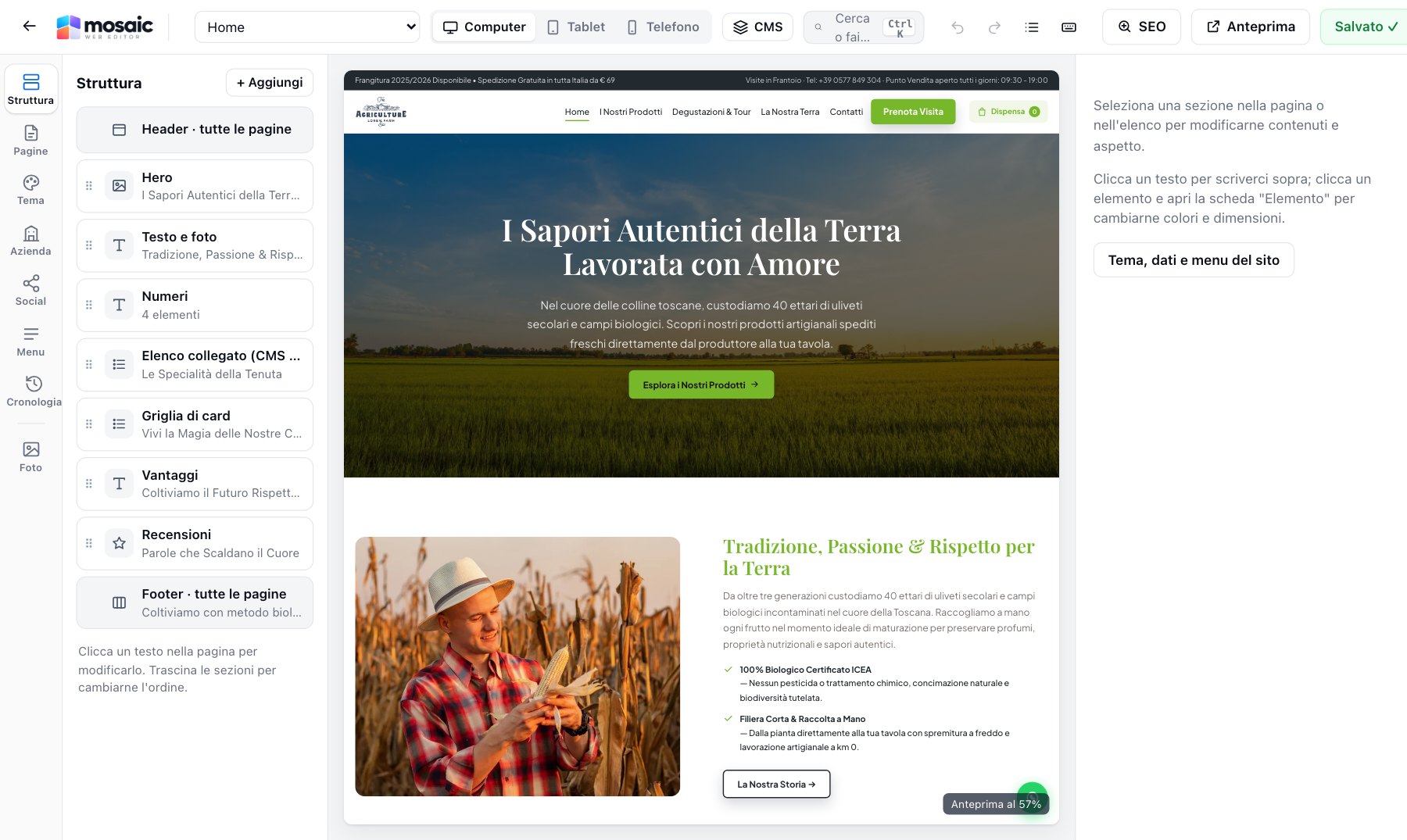
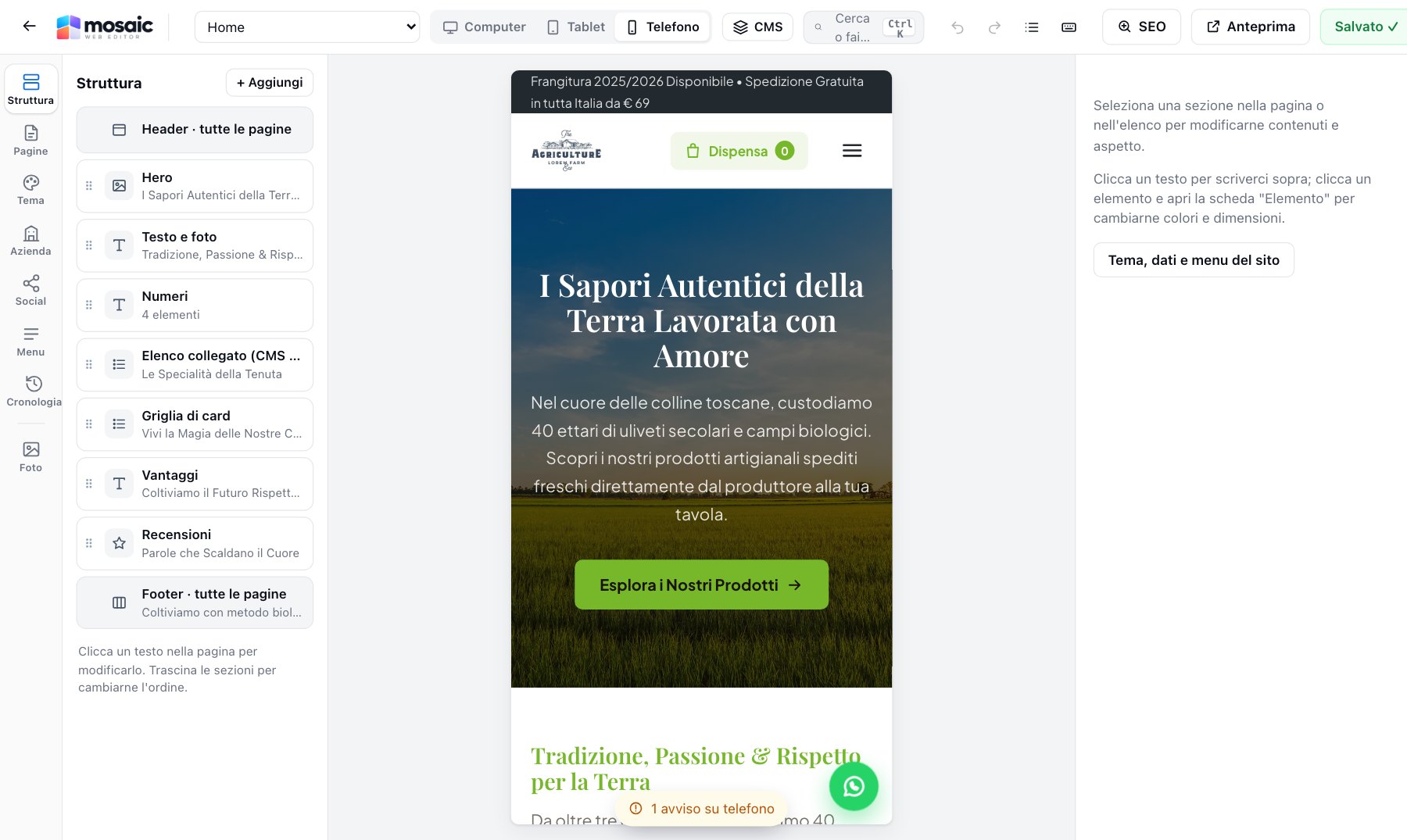
There's no software to learn: you work on the real page, just as your customers will see it.
Covers, galleries, prices, reviews, bookings, maps: 179 section templates, each with several layouts.
Click a heading and type, click a photo and change it. Sections are reordered by dragging, with undo and redo always at hand.
Before going live, Mosaic checks links, Google titles, photos without descriptions and colour readability. One click and your website is published.
The tools of the big professional editors, designed for people who run a business and have no time to waste.
Change texts and photos by clicking them on the page. Rich text with bold, italics and links, and paste that always comes out clean.
Sections straight from the library onto the page, reordering with the handle, copy and paste even between pages.
Preview on three devices with dedicated styles for each: what you change on the phone stays on the phone.
It rewrites, shortens, lengthens, corrects and translates texts, writes photo descriptions and creates a whole page from a description.
Google preview, titles, descriptions, social image, sitemap, structured data and automatic redirects.
Main language plus up to five more, with dedicated addresses, a language switcher in the menu and hreflang.
A copy at every save plus your published versions: go back whenever you like, with unlimited undo and redo.
Links to missing pages, buttons with no link, placeholder text, photos without alt text and colour contrast.
Save a section with its texts, photos and styles and reuse it on any page, even on your other websites.
Colours, 160 Google fonts hosted on the server, buttons, backgrounds with photos, video, gradients and glass effect.
Scroll-in entrances and hover effects, always respecting people who prefer less motion.
The published website is made of light static pages: no plugins to update, with maps and videos only after consent.
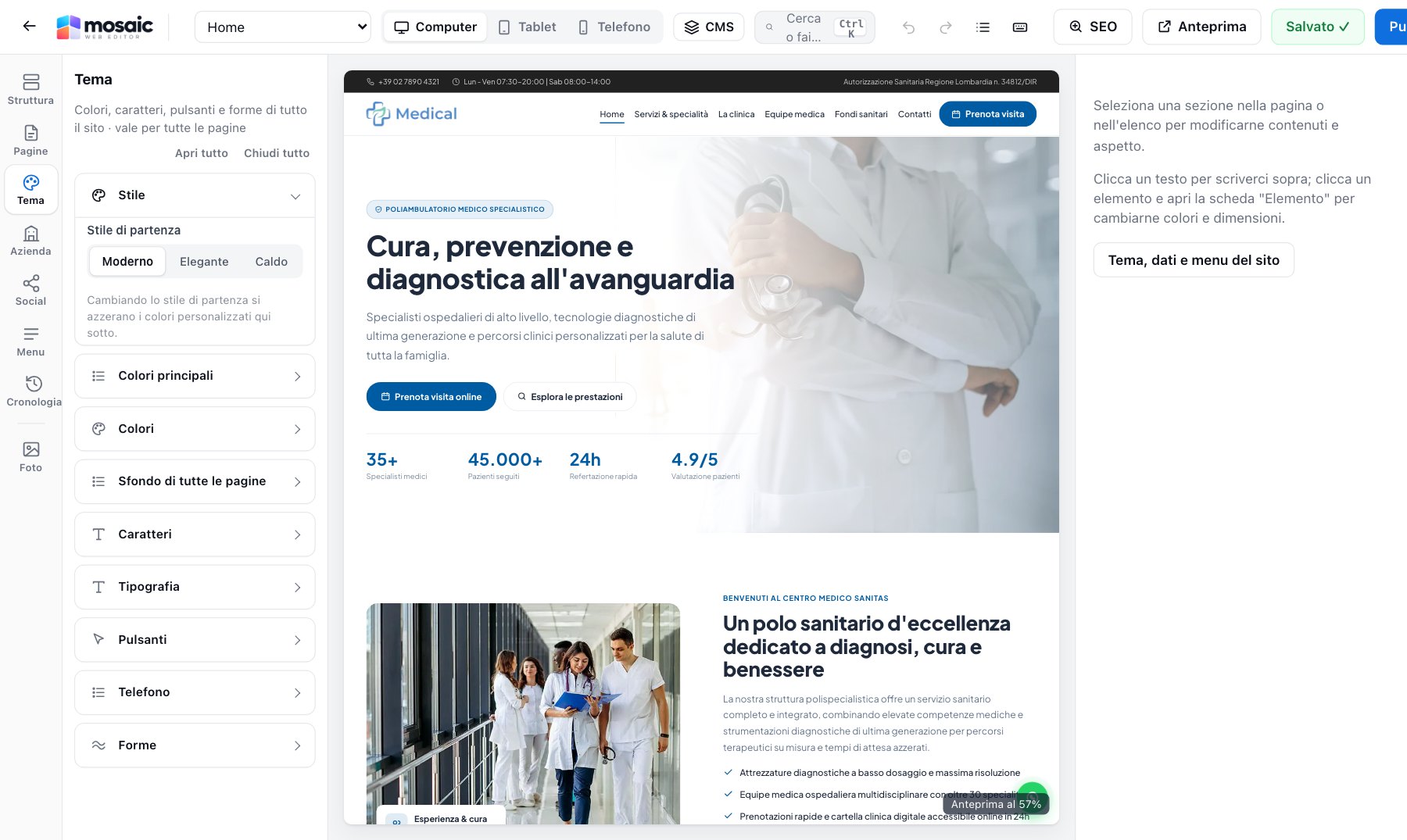
The editor with the page structure on the left and the real website in the centre.
Behind every Mosaic website there's a complete CMS: enquiries, orders, bookings, customers and documents in one place, with notifications on Telegram too.
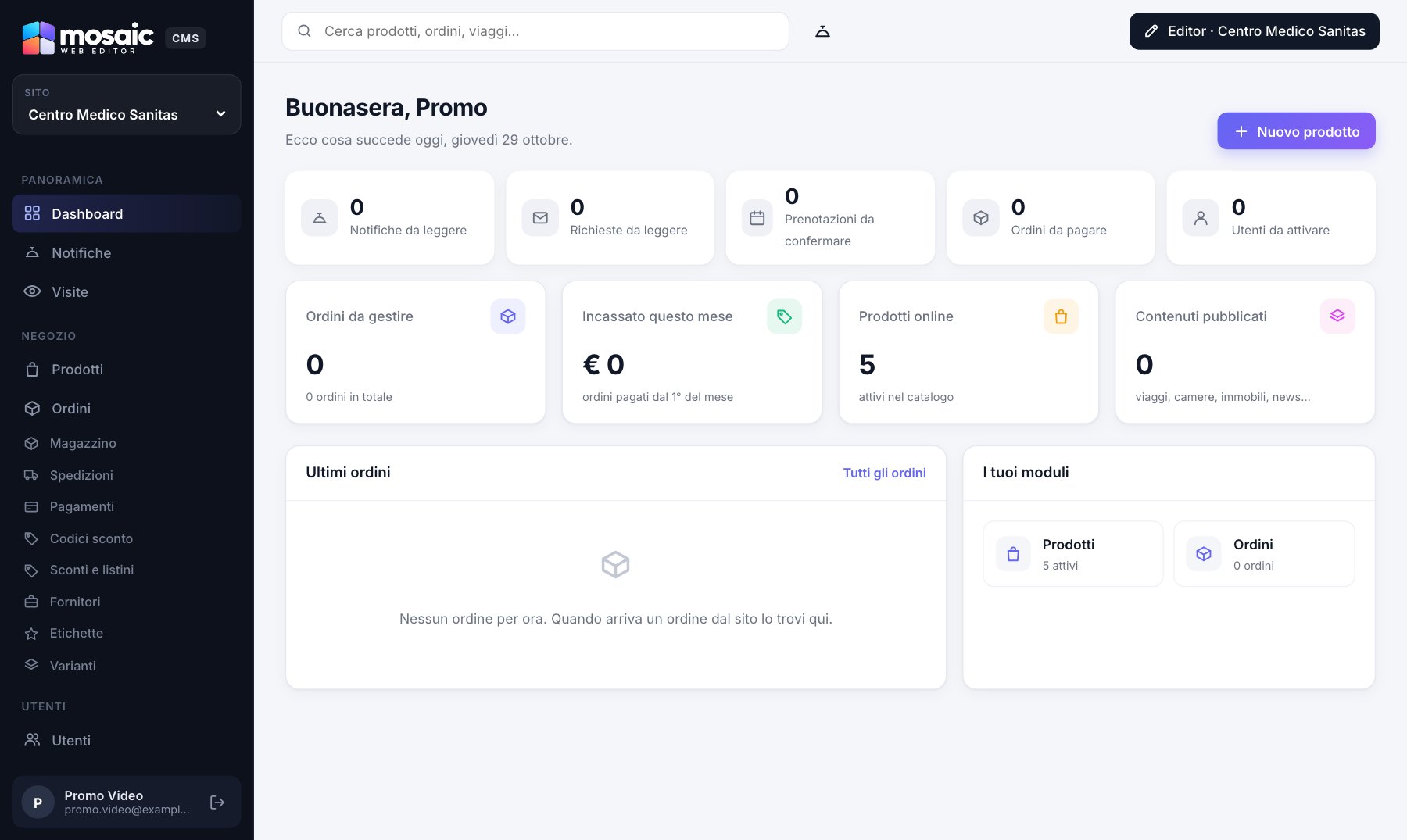
Catalogue, cart and payments built into the website: prices are always recalculated on the server and orders land in the CMS.
Restaurants, hotels and B&Bs, travel, real estate, cars, health, associations, e-commerce, portals: choose the demo closest to your business and we'll turn it into your website, with your texts, photos and colours.
View the templates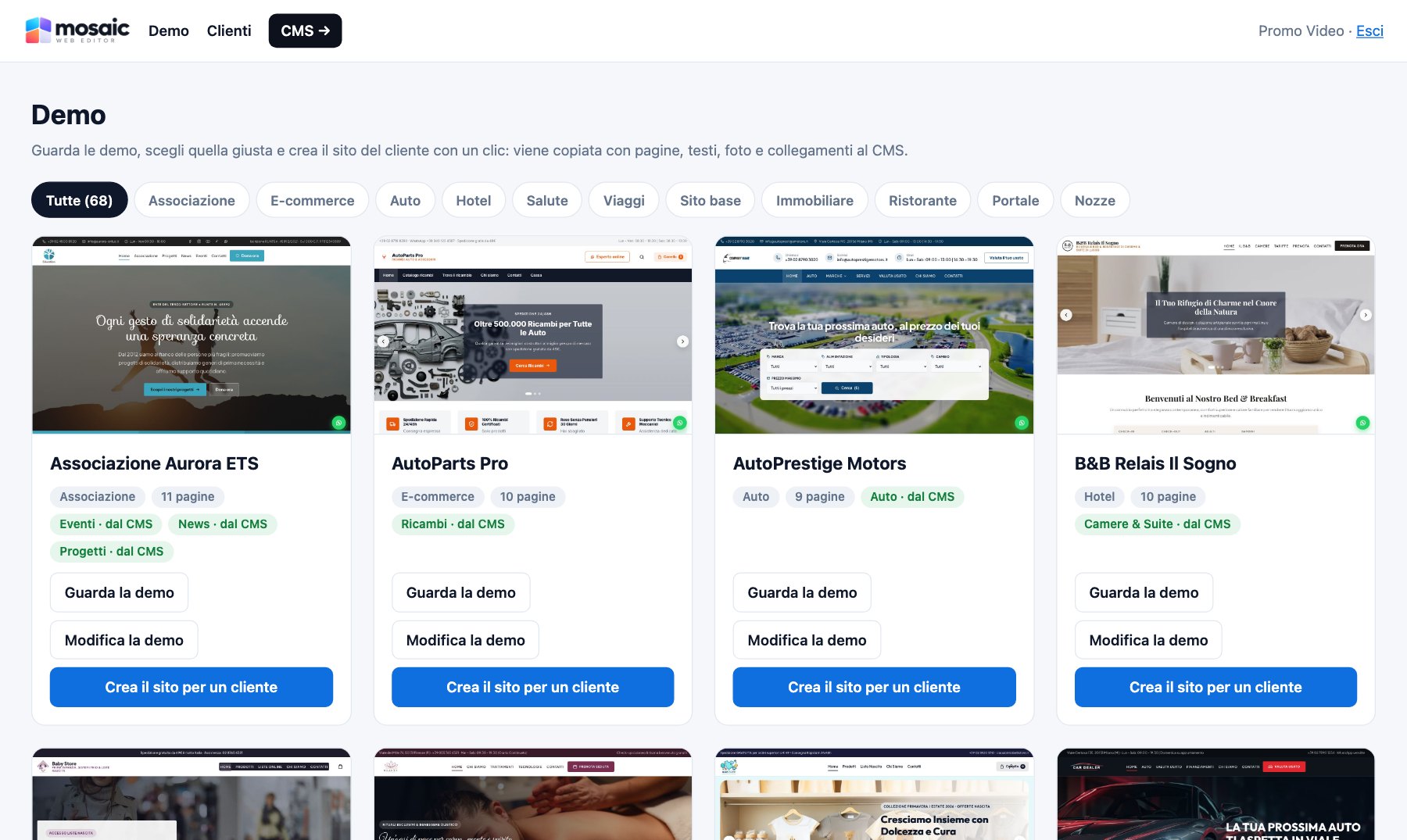
| Mosaic | Website with a traditional CMS | |
|---|---|---|
| How you edit it | Right on the page | From a separate panel, then you check the result |
| Plugins to update | None | Often dozens |
| Phone preview | Built in, with dedicated styles | Depends on the theme |
| AI writing assistant | Included, for translating too | Extra plugins |
| Shop, enquiries and invoices | In the built-in CMS | Several extensions to keep working together |
| Pre-publish check | Links, SEO, photos and colours | Usually missing |
| Video tutorials and user manual | Included | Depends on the provider |
No. You edit texts and photos by clicking them right on the page, add sections from a template library and move them by dragging. You never write any code.
Yes. The preview switches between computer, tablet and phone in one click, and you can set different styles for each device. Before publishing, Mosaic also flags text that is too small or elements that run off the phone screen.
Yes. Every page has its own SEO panel with a Google preview, title, description, address, social image and heading check. Mosaic automatically generates the sitemap, structured data, redirects when you change an address and the pre-publish check.
Yes: one main language and up to five additional languages, with dedicated addresses, a language switcher in the menu and hreflang links for Google. The AI assistant can translate sections, pages and menus.
A website published by Mosaic is made of fast static pages: no plugins to update and no themes to maintain. You edit everything on the real page, and the built-in CMS handles the shop, enquiries, bookings, newsletters and invoices.
Yes, with Mosaic Shop: catalogue, size and colour variants, cart, quotes, payments by Stripe, PayPal, bank transfer and cash on delivery, discounts and customer price lists, shipping and feeds for Google Merchant and Trovaprezzi.
With the included video tutorials and user manual: they explain step by step how to edit texts, photos and sections, manage the CMS and the shop, and publish your site. You can go back to them whenever you like.

Self-managed websites from € 290. We'll show you the editor in a demo and prepare a tailored proposal.
